Metastore Setup – Hive Catalog
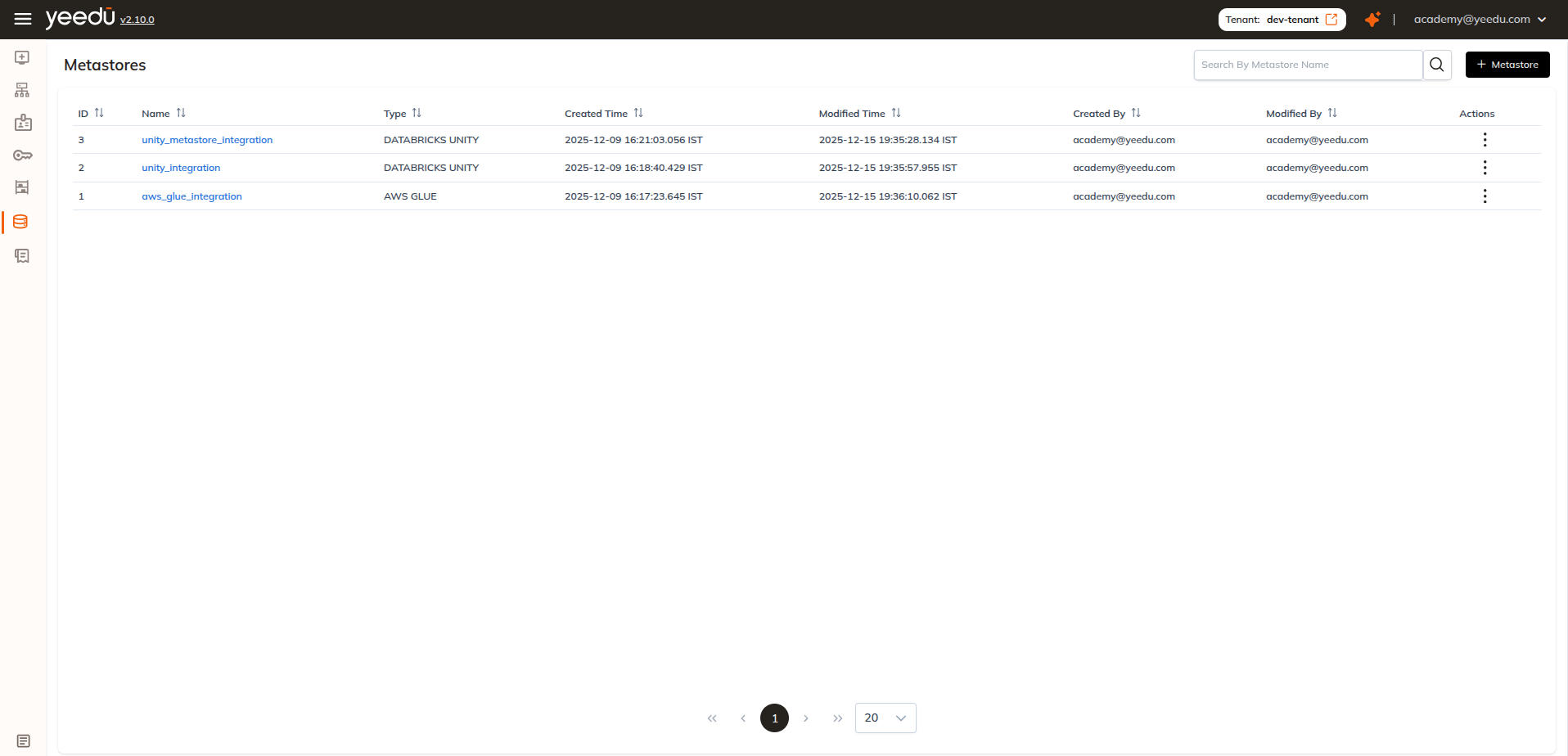
Metastore
A Hive Metastore in Yeedu lets you connect to an external or embedded Hive Metastore and manage table metadata stored in HDFS or cloud-based warehouses.
A Hive Metastore configuration includes:
- XML Configuration Files
(
hive-site.xml,core-site.xml,hdfs-site.xml,krb5.conf) - Hive Authentication Secret (Hive Basic or Hive Kerberos)
- External Storage Path (e.g., S3 bucket)
- Storage Secret (credentials for your object store)
Scope Levels for Secrets
Secrets used in a Hive Metastore follow Yeedu’s scope-based permission model:
| Scope | Visibility |
|---|---|
| User | Only the creator can read/use |
| Workspace | All users in one workspace |
| Tenant | Visible to all users within the tenant |
Creating a Hive Metastore
Click + Metastore on the top-right of the Metastore page.
Provide the Required Details
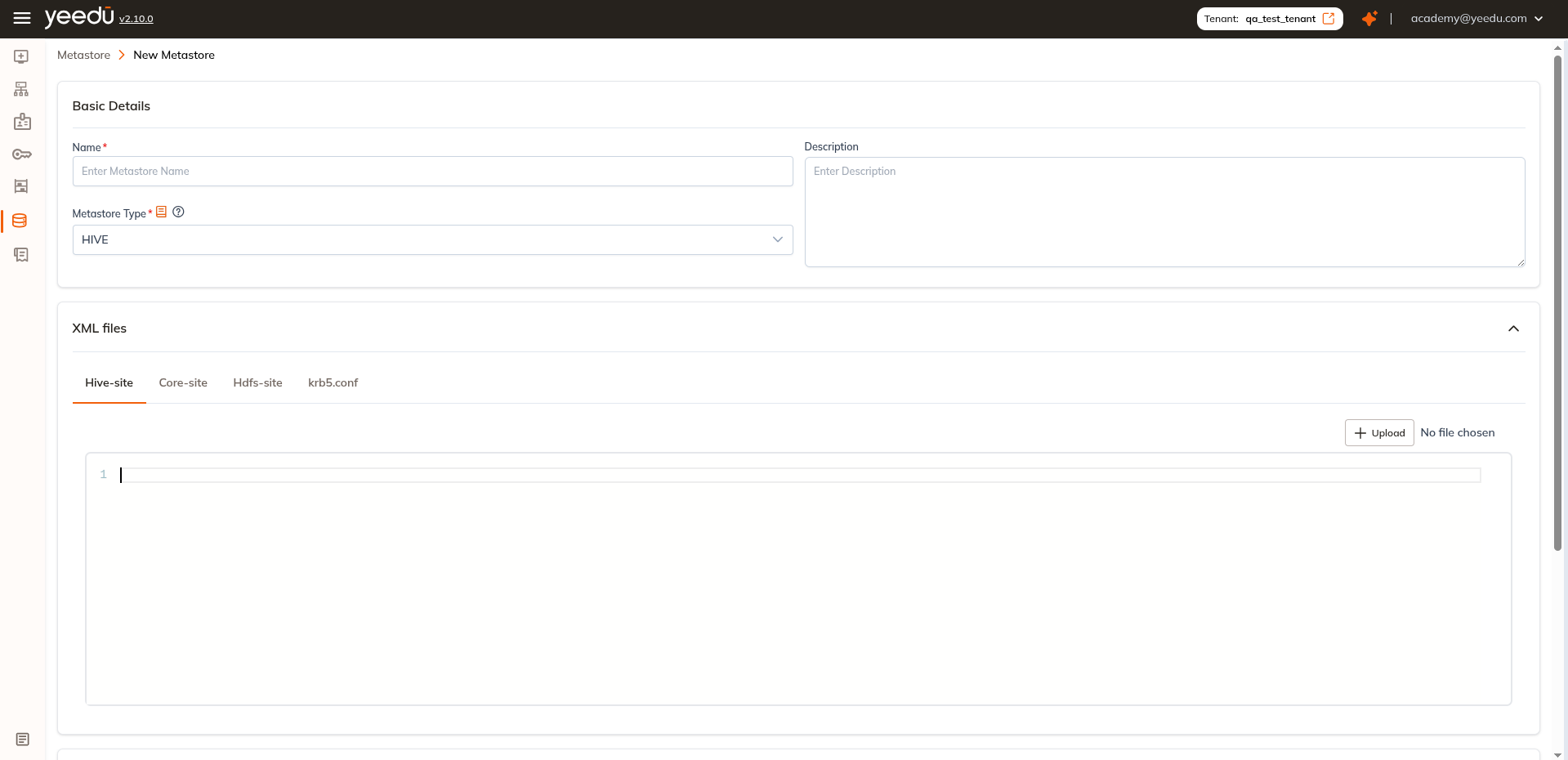
Basic Details
- Name – Required and must be unique
- Description – Optional
- Metastore Type – Select
HIVE
Upload XML Configuration Files
Hive Metastore requires configuration files. Upload them from your local system:
| File | Purpose |
|---|---|
| hive-site.xml | Contains Hive service and JDBC properties |
| core-site.xml | Defines Hadoop core configurations |
| hdfs-site.xml | References HDFS NameNode and storage paths |
| krb5.conf (Kerberos only) | Required for secure clusters using Kerberos |
Each file can be uploaded individually or replaced anytime during editing.
Metastore Details
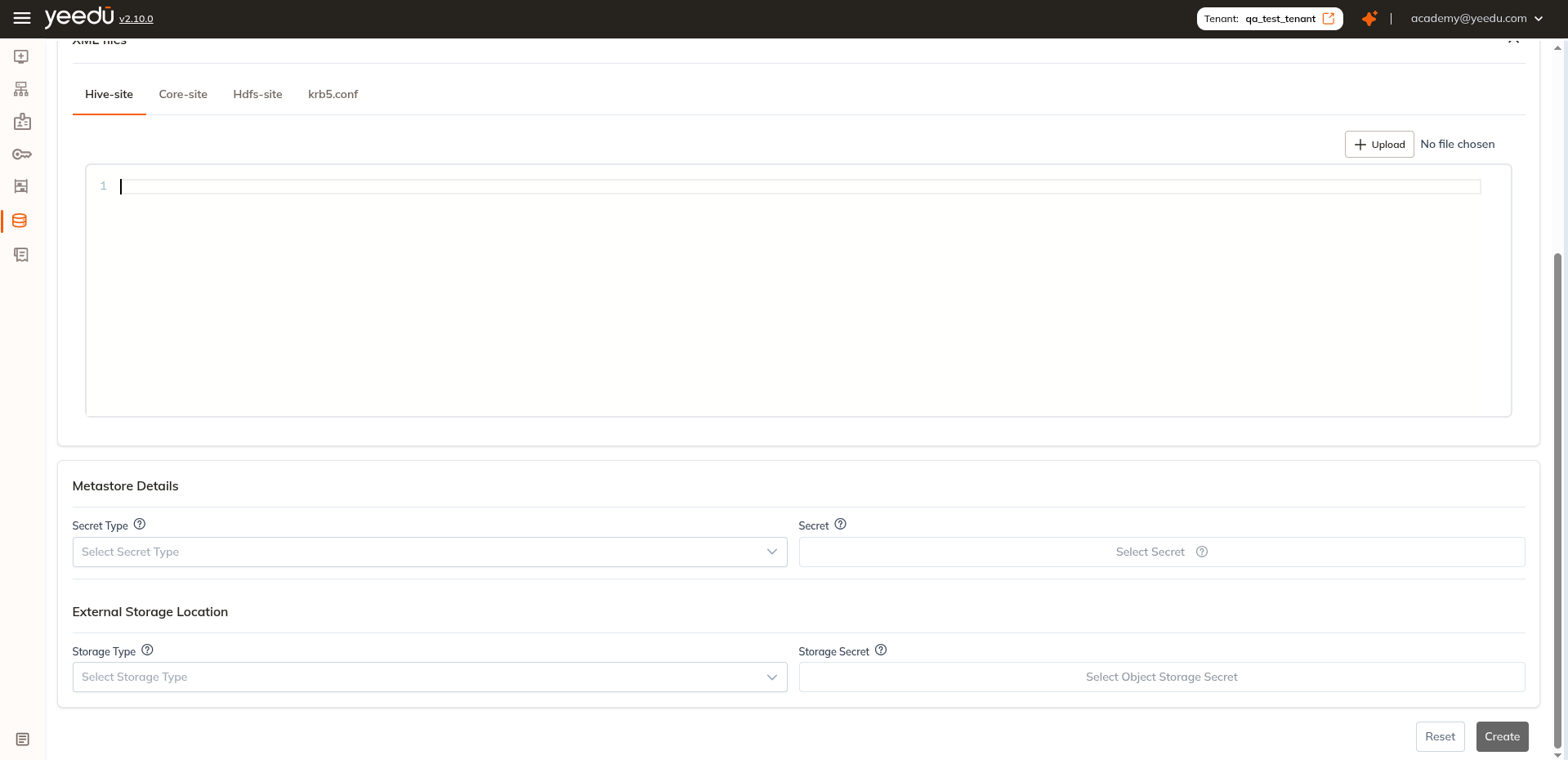
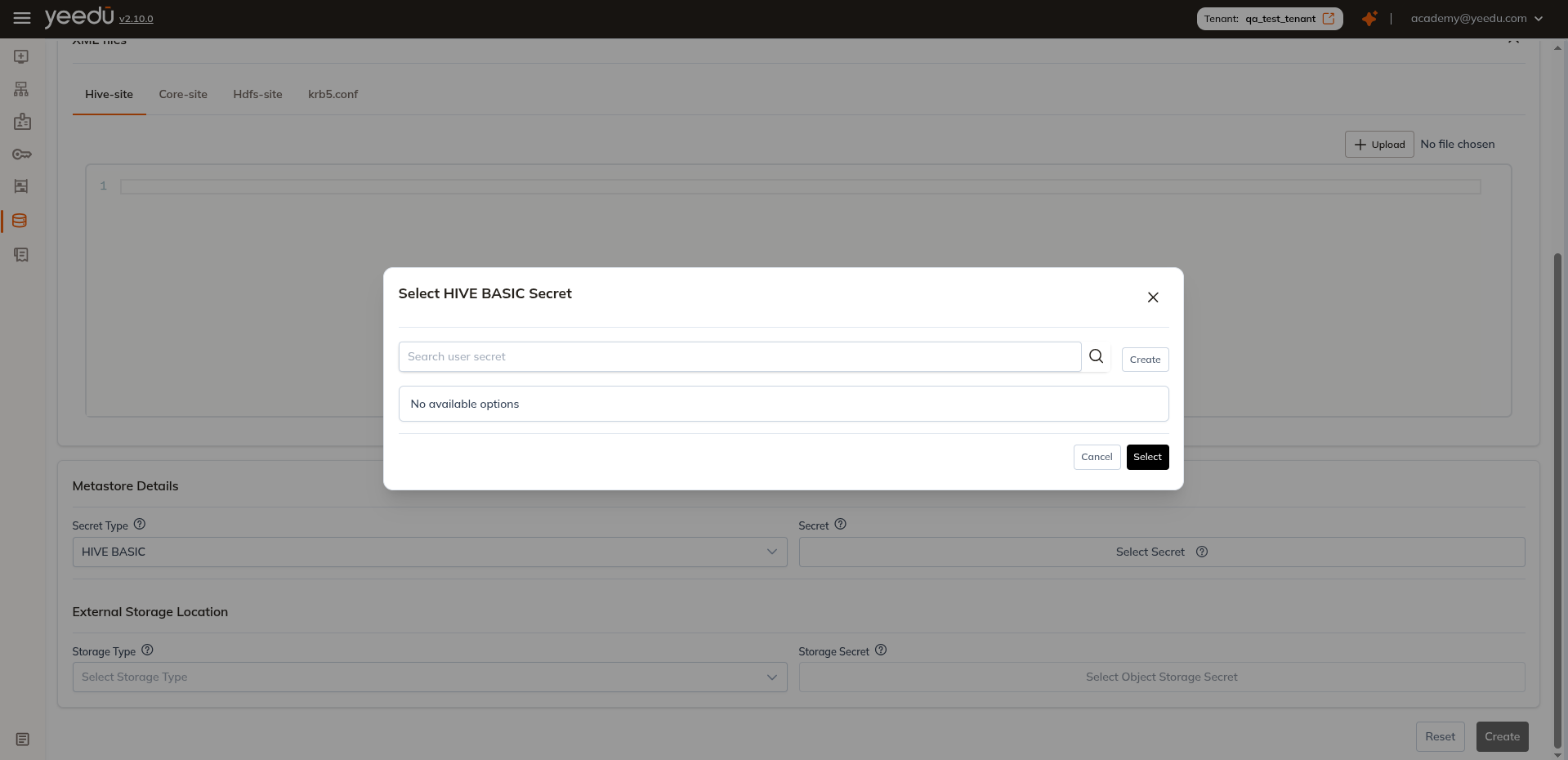
After uploading XML files, configure Hive Metastore authentication.
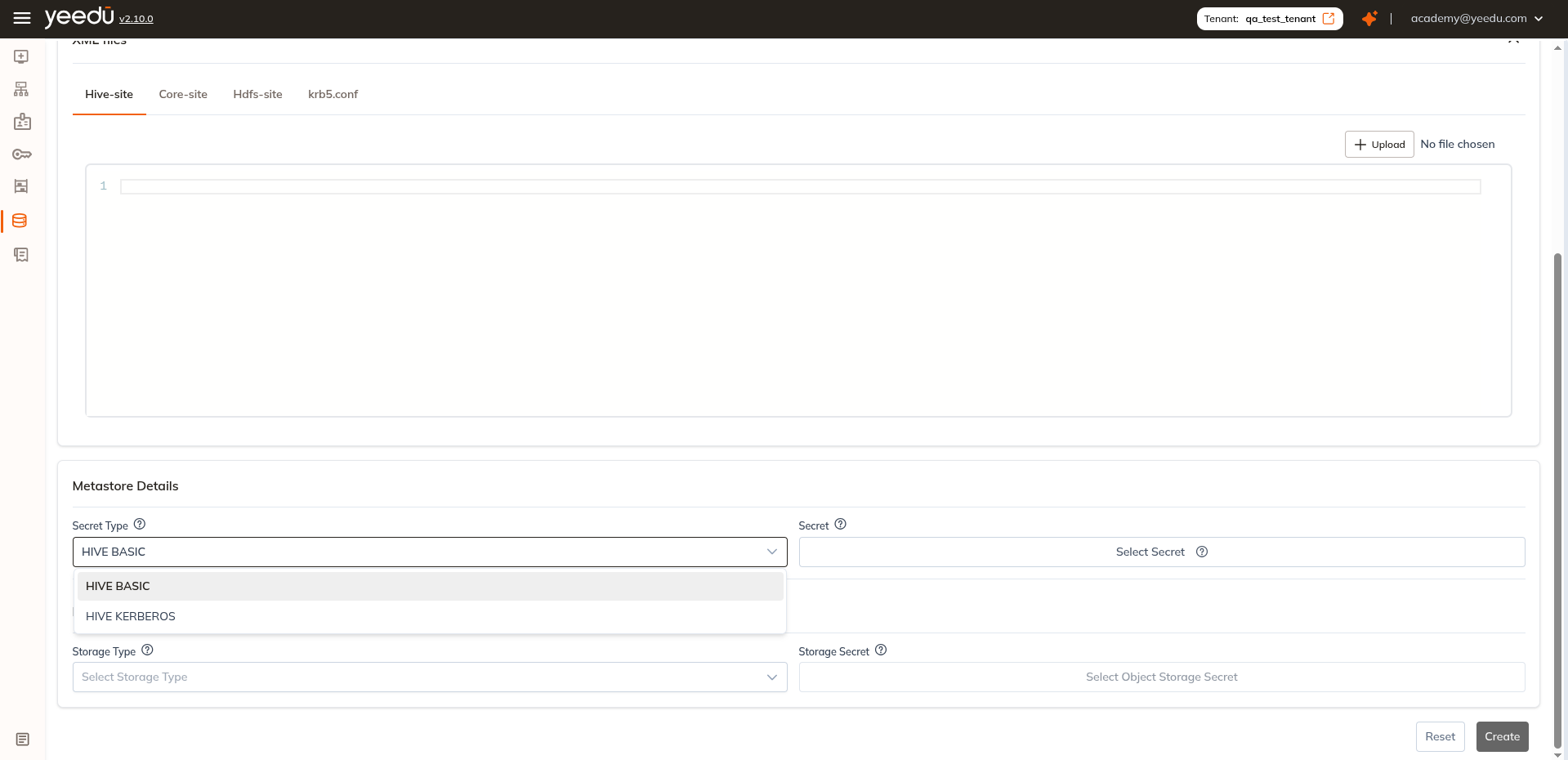
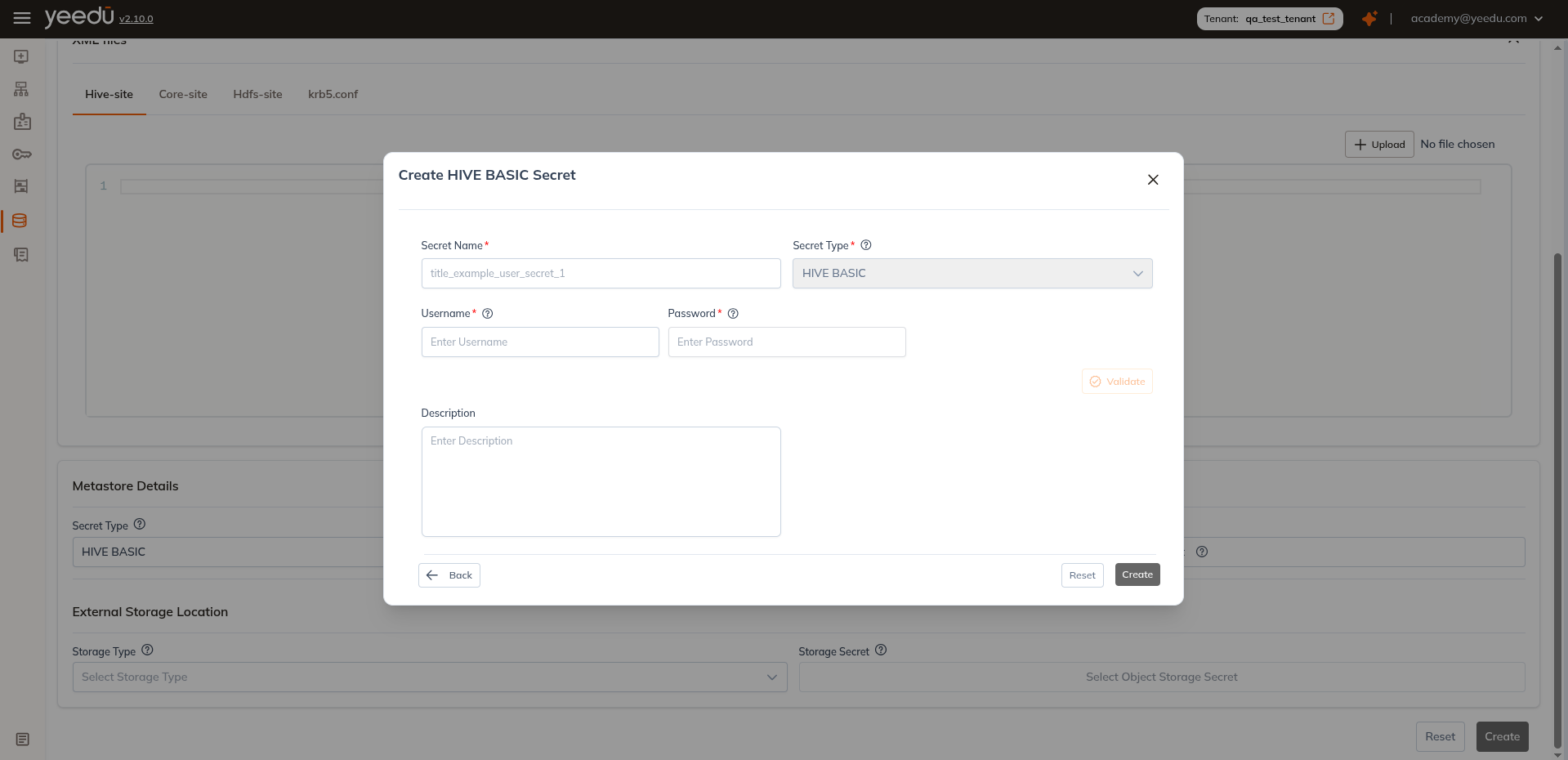
- Secret Type: Choose from HIVE BASIC, HIVE KERBEROS
- Secret: Select credential secret based on Secret Type
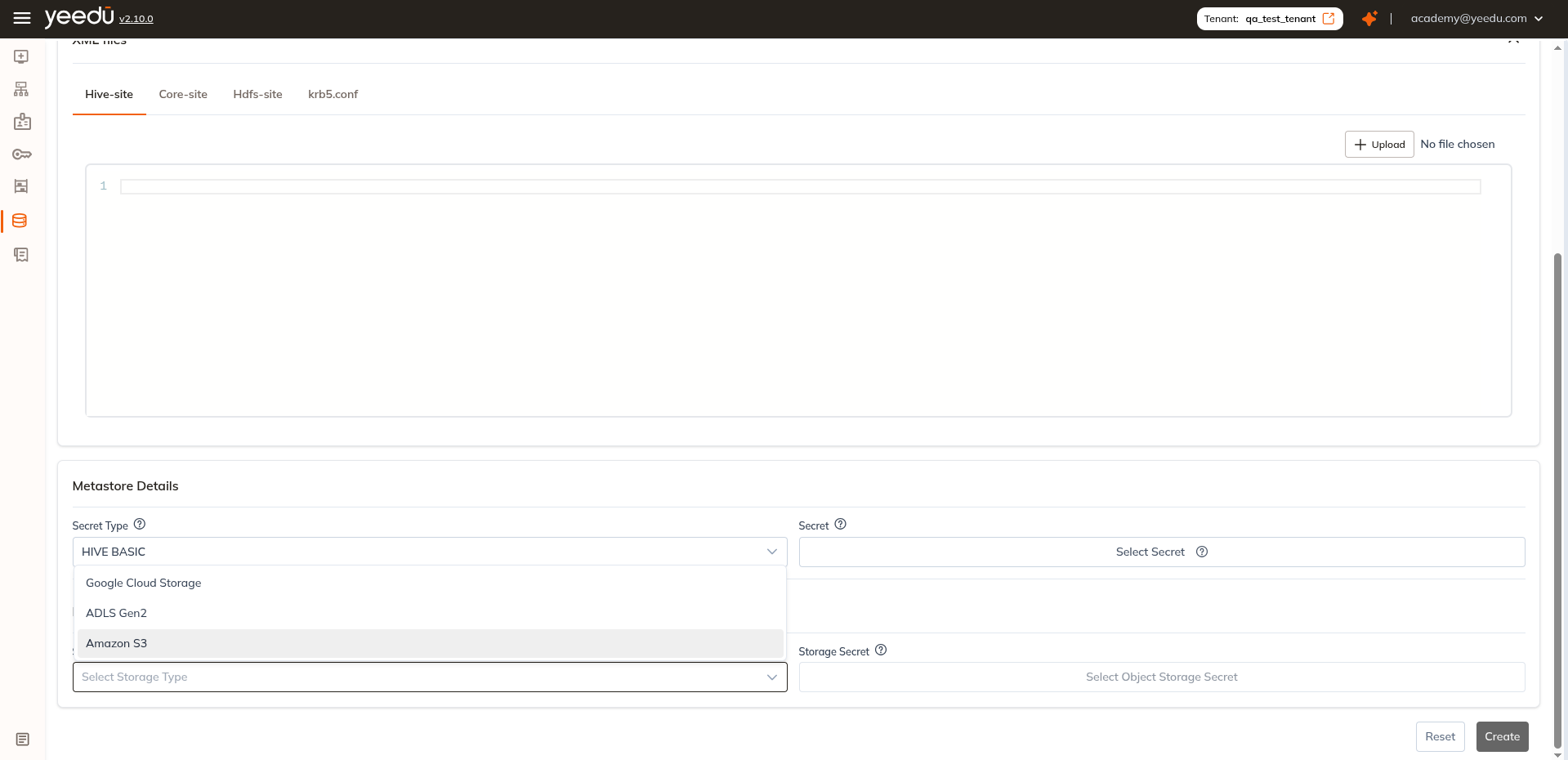
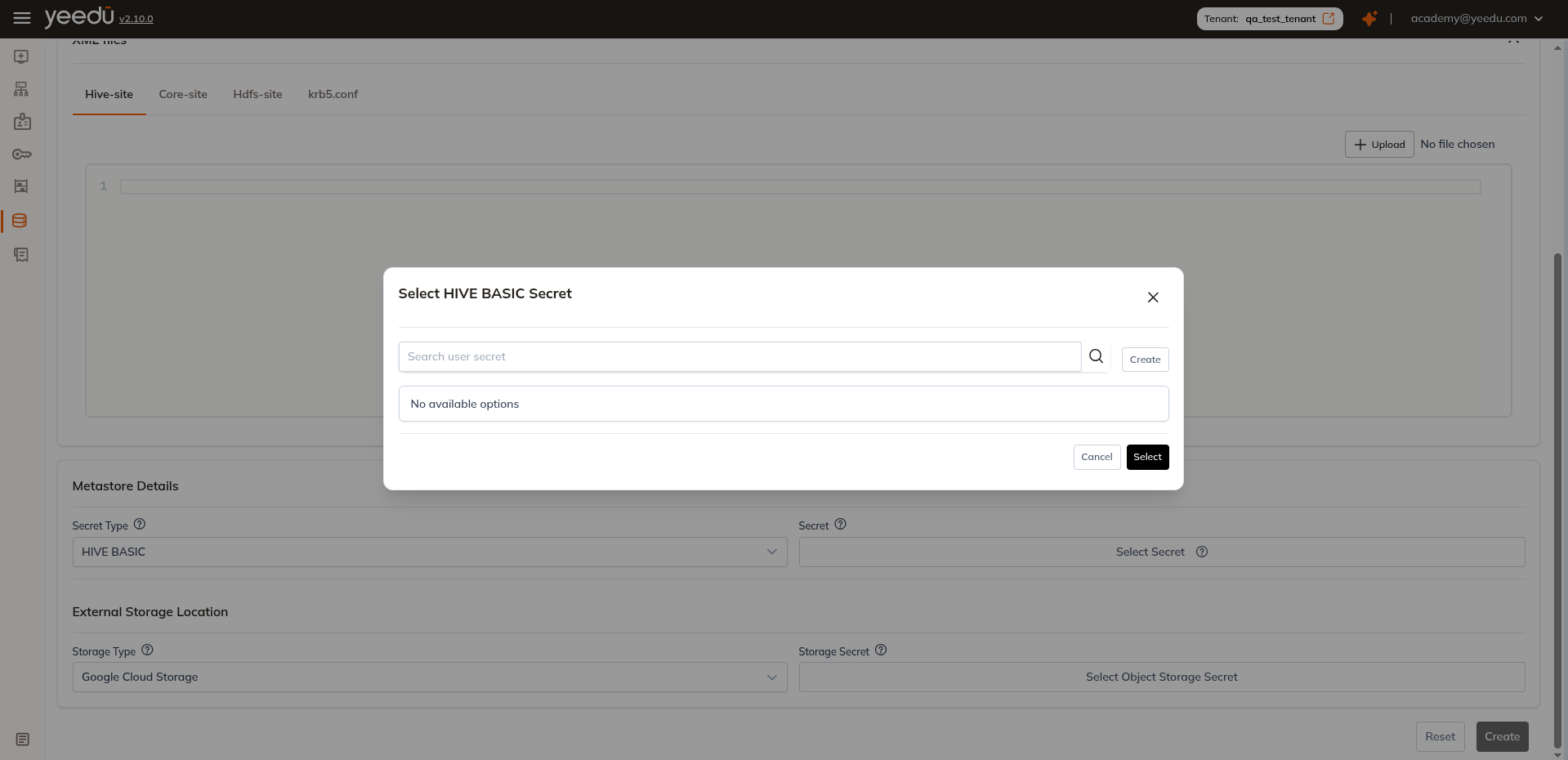
External Storage Location
- Storage Type: Choose from AWS, Azure, GCP
- Storage Secret: Select credential secret based on cloud provider
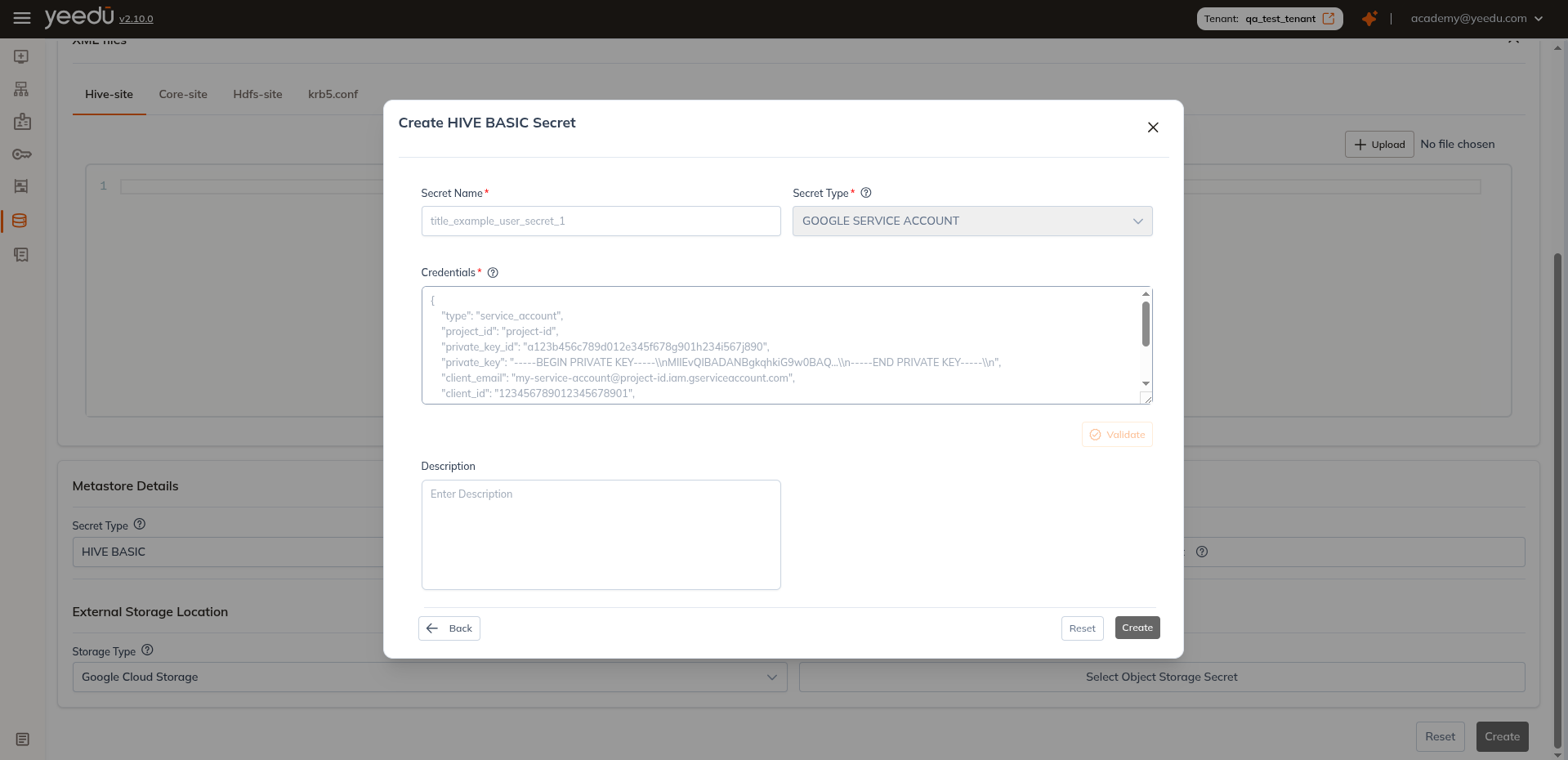
You may choose an existing secret from the dropdown or create a new secret directly in the UI.
note
The recommended resolution for Yeedu UI is 1920 x 1080.